Sessions and Analysis
Recordings are raw telemetry captures. Sessions organize one or more recordings and add notes, tags, metadata, and analysis.
Recordings
Open Replay to:
- record live telemetry
- save the rolling live buffer
- import or export
.dfrecfiles - replay with the parser stored in the recording
- rename, annotate, delete, or share a recording
The recording library displays cached metadata immediately and refreshes file metadata in the background. An existing list remains visible during refresh.
If a recording is linked to one or more sessions, the session count is clickable. Open it to see exactly where the recording is used before deleting or moving it.
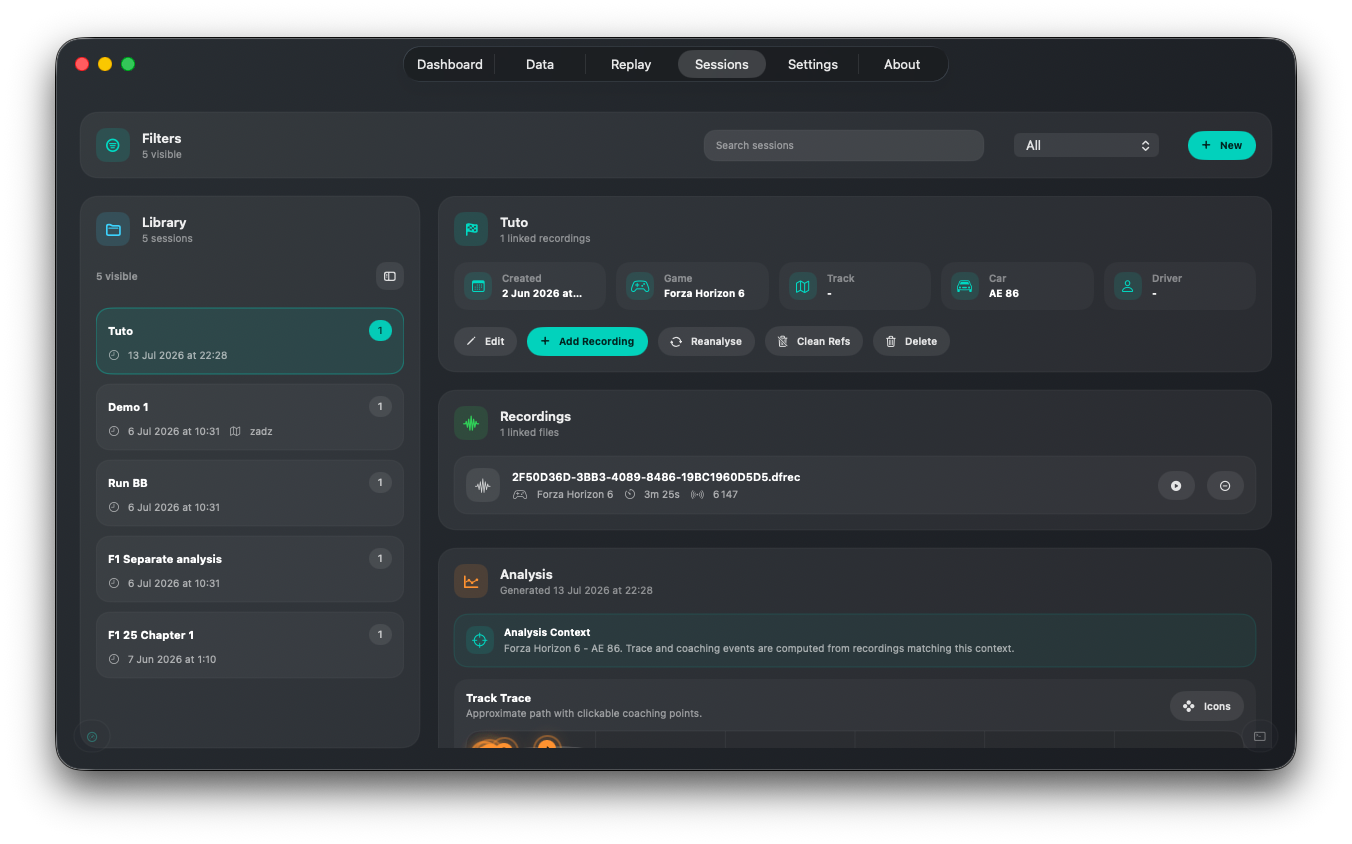
Create a Session
- Open
Sessions. - Create a new session.
- Add a name, date, notes, tags, and optional metadata.
- Link one or more recordings.
- Save the session.
Linked recordings use relative references where possible, making session packages portable between devices.
Run Analysis
Select Analyze or Reanalyze on a session. DashForge shows a progress state while it decodes recordings and builds the result.
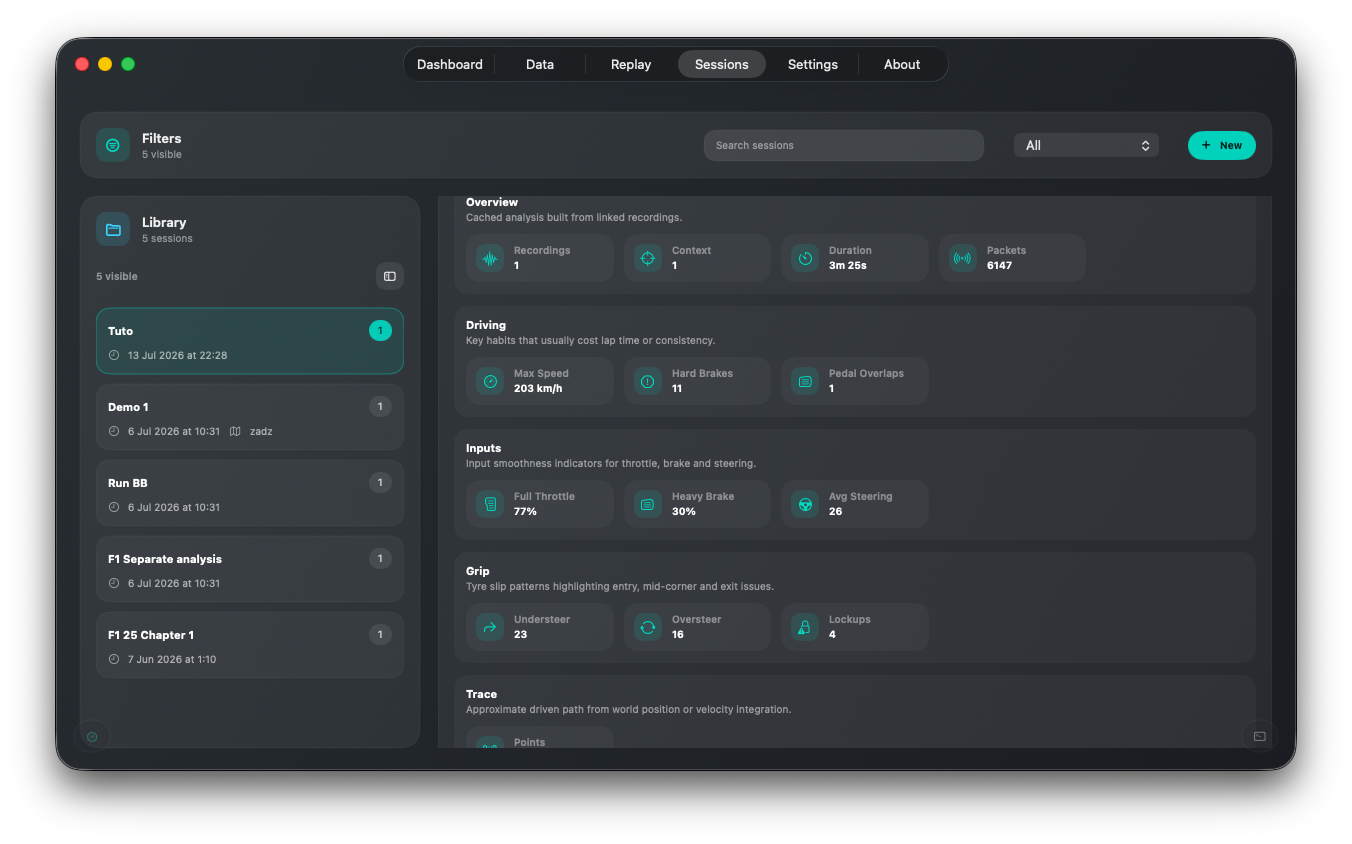
The analysis can include:
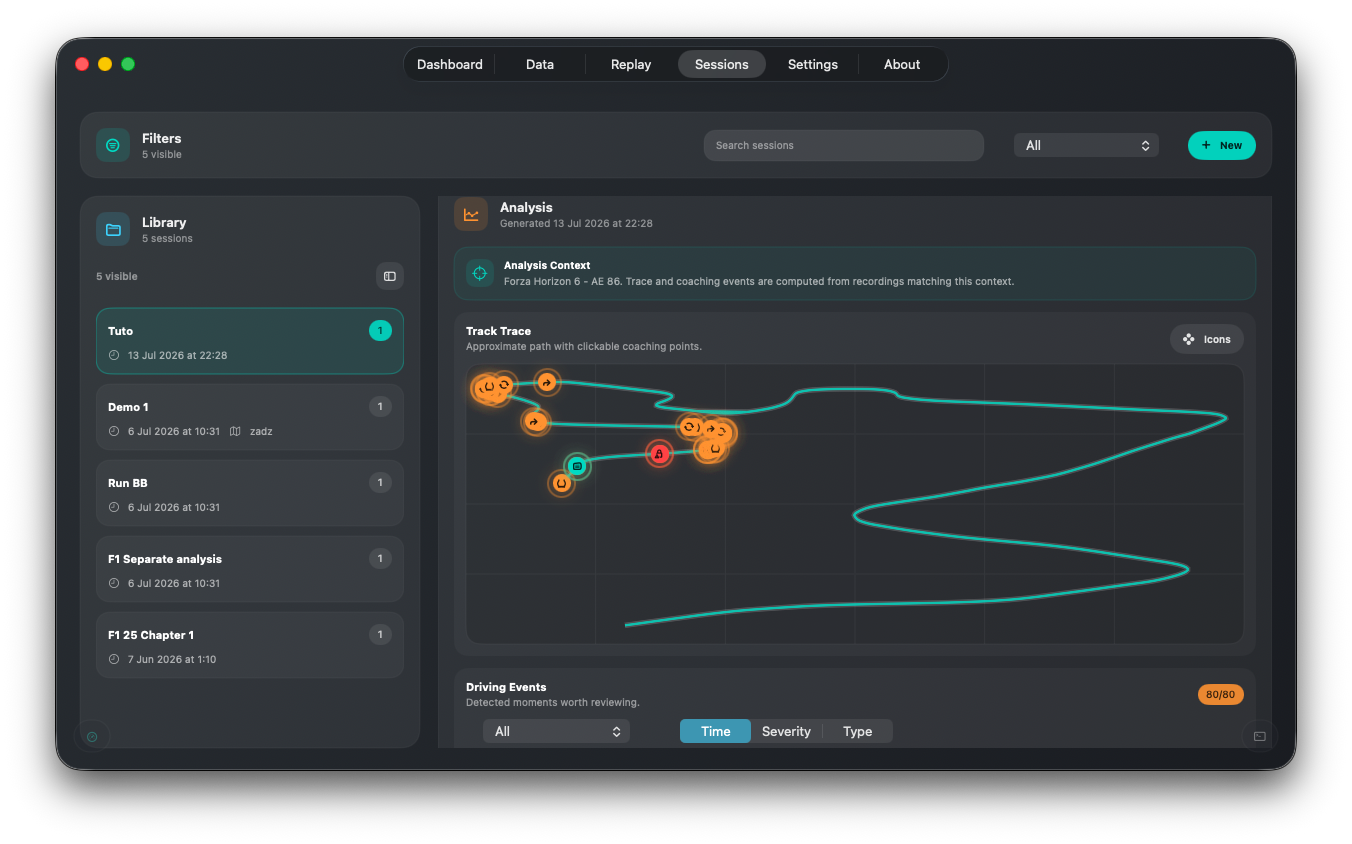
- track trace and bounds
- driving sections
- speed and input samples
- braking and lockup events
- drift, traction, and stability events
- severity, timestamp, speed, throttle, brake, and contextual advice
Results are cached inside the .dfsession document. Reopening an unchanged session does not need to recompute the full analysis.
Inspect Events
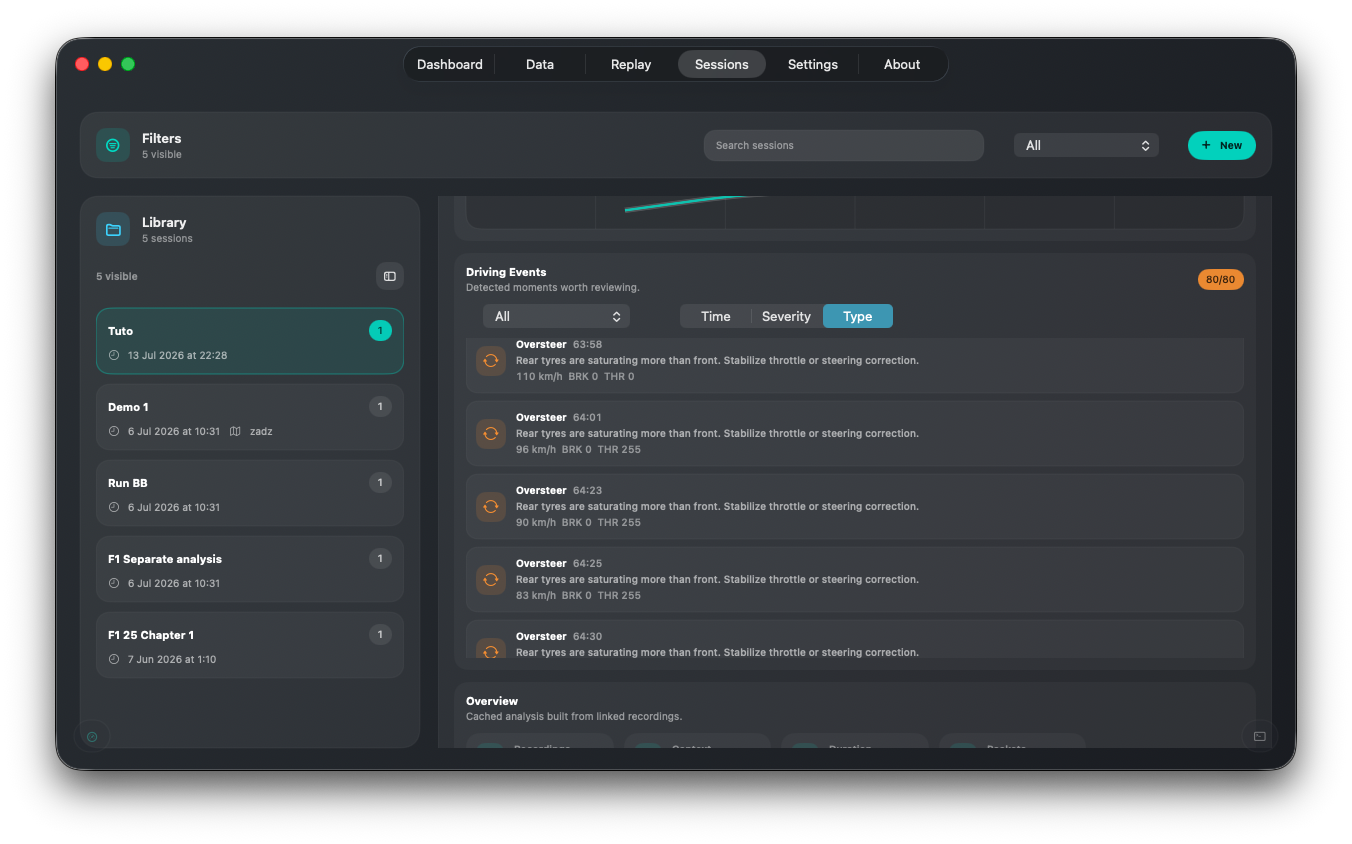
- Filter events by type or severity.
- Sort the event list.
- Select a marker on the trace to see its detail.
- Select an event in the list to locate it on the trace.
- Reanalyze after changing linked recordings.
Live Trace
The Live Trace dashboard widget uses the same analysis model while telemetry is active. It can:
- draw the driven path
- place event markers
- automatically open new event details
- close details after a configurable delay
- speak event names
Live analysis runs only while a consuming widget is visible.
Moving Sessions Between Devices
Exporting or peer-sharing a session creates a package containing the session and its available linked recordings. The receiver confirms before download, sees import progress, and gets an automatic library refresh after import.