DashForge Documentation
Welcome to the official DashForge user documentation.
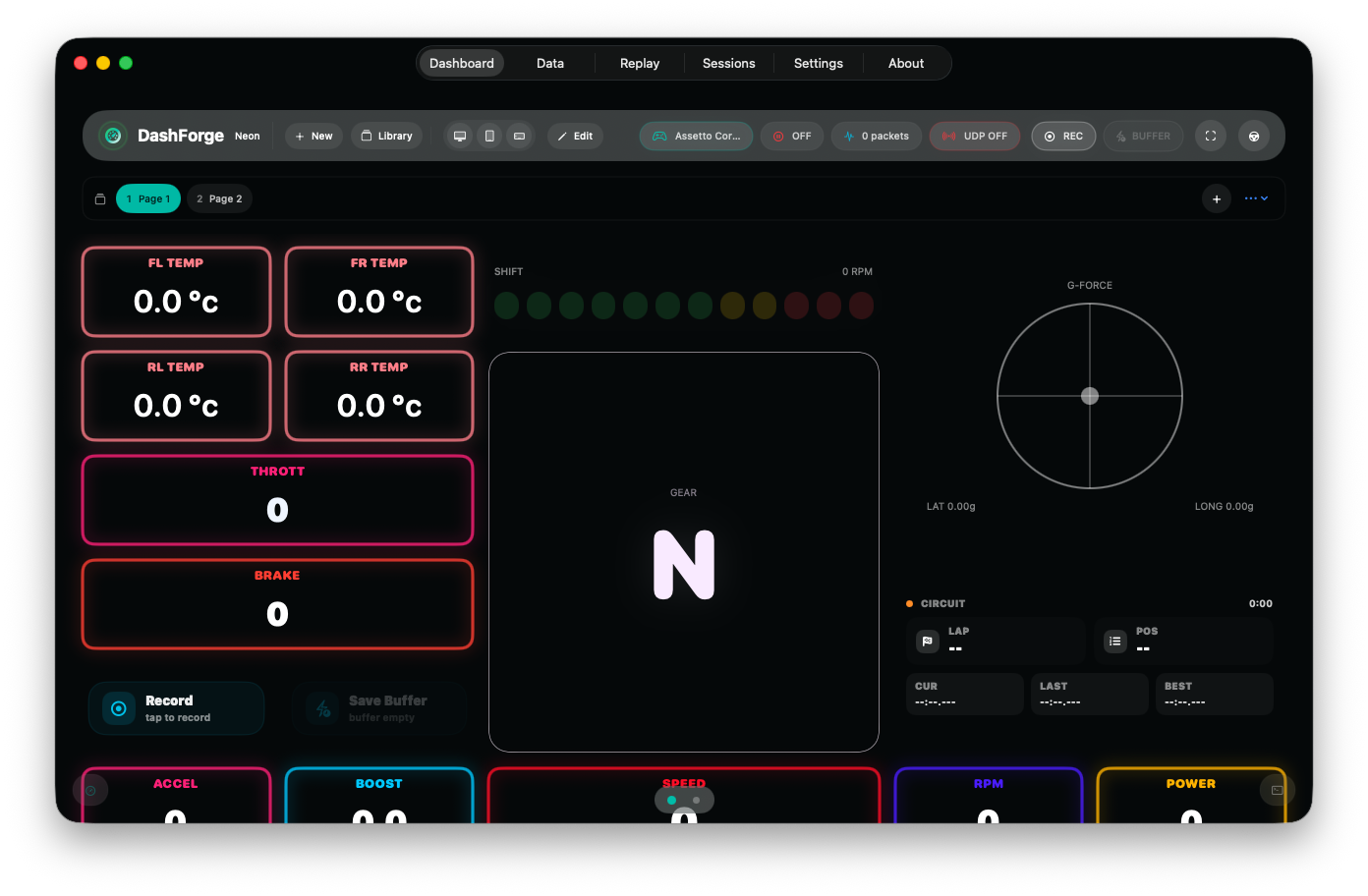
DashForge is a telemetry cockpit for racing games: live UDP dashboards, recordings, replay, session analysis, local sharing, hardware output, Bass Shakers, Wind Simulator, Bridge commands, Stream Deck, Web Builder, Lab, and AI control.
Quick Start
Start here if you are setting up the app for the first time.
| Goal | Open |
|---|---|
| Configure the app in a few minutes | Getting Started |
| Follow a full guided setup | Complete User Tutorial |
| See what changed in 1.1.0 | What's New in DashForge 1.1.0 |
| Download companion tools | Downloads and Companion Tools |
Connect Telemetry
| Source | Use |
|---|---|
| List of supported games | Supported Games |
| Built-in UDP game | UDP Setup and Supported Games |
| SCS truck simulator plugin | UDP Setup |
| Assetto Corsa / ACC on Windows | DashForge Bridge |
| New binary UDP format | Custom Game Profiles |
Build Dashboards
| Task | Open |
|---|---|
| Create pages, move widgets, style the cockpit | Dashboard Builder |
| Understand every widget | Widget Reference |
| Import/export dashboards, recordings, sessions, and assets | Import / Export |
| Edit from a browser on the local network | Dashboard Builder |
Analyze and Share
| Task | Open |
|---|---|
| Group recordings and run driving analysis | Sessions and Analysis |
| Send dashboards, recordings, and session packages to another DashForge | Network Discovery and Sharing |
Hardware and Automation
| Feature | Open |
|---|---|
| Dashboard buttons and game commands | Action Buttons |
| Arduino, ESP32, serial, UDP packets | Device Packet Output |
| Tactile audio from telemetry or audio input | Bass Shakers |
| Speed-based cockpit fans | Wind Simulator |
| Stream Deck actions | Stream Deck |
| Internal simulator and test app | DashForge Lab |
| MCP-compatible AI control | MCP / AI Control |